Play Clock
A downloadable app
Give your Playdate a place in your day.
Play Clock started with a simple wish: I wanted a little more Playdate in my everyday life.
I love this device: its playful design, its small size, and its monochrome screen with no backlight. There’s something lovely about a screen that needs light instead of producing it. It gives me a welcome break from the glowing screens around me.
That feeling inspired a personal challenge: could I turn my Playdate into a small, offline PDA? A few simple apps for daily life, on a device I already love carrying.
A clock felt like a natural place to start. It gave Playdate a place on my desk, where a glance at the time could also be a small reminder of why I enjoy this device.
I also wanted to set a timer or an alarm and get on with something else. Play Clock shares those schedules with compatible apps, Play Todo, Play Calendar, so they can alert me when the time comes while I’m using them. I don’t have to stay on the clock screen just to keep a reminder useful.
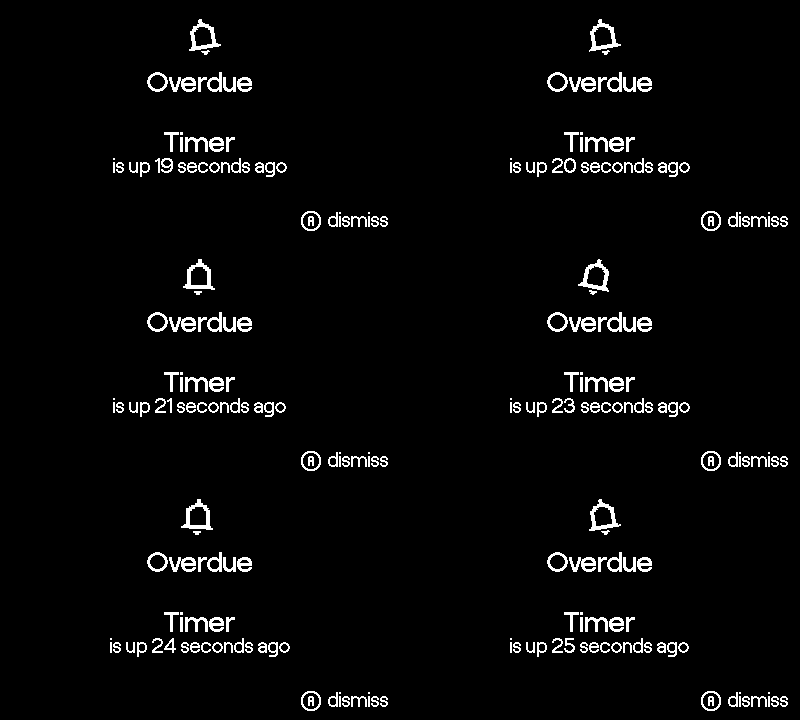
Putting my Playdate away matters, too. If an alarm or timer expires while the device is locked, Play Clock or a compatible app shows an overdue reminder when I return to it. I wanted to know what I’d missed, even when I wasn’t there to hear it.
I built it for my own day. I’m sharing it in the hope that it finds a place in yours, too.
Features
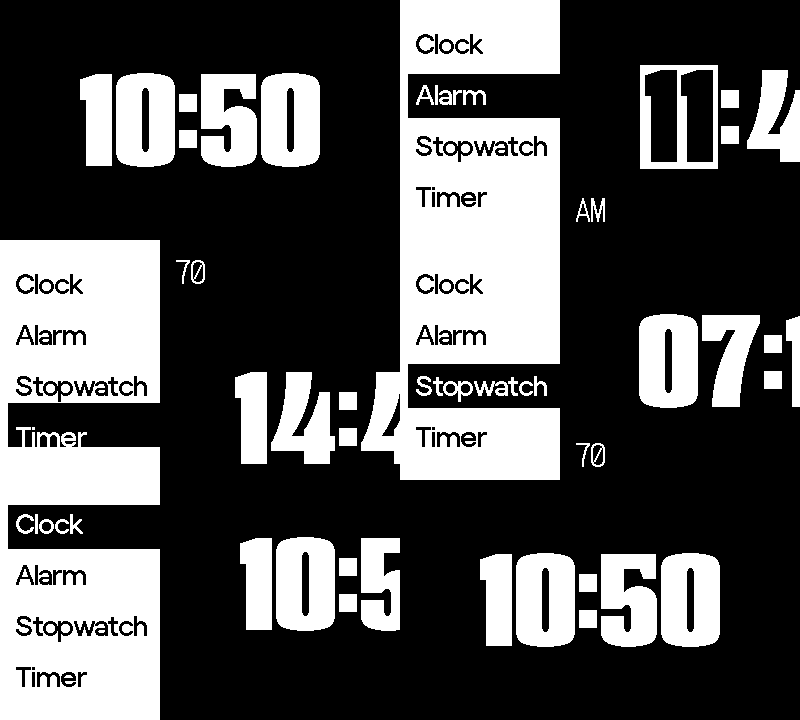
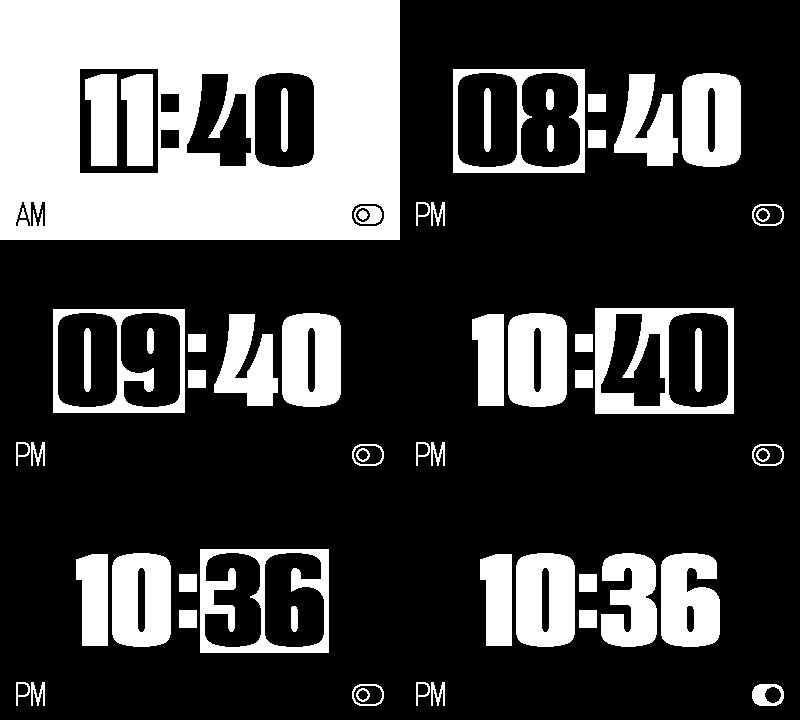
- Clock: a large 12-hour display.
- Alarm: a one-time alarm for your next reminder.
- Stopwatch: start, pause, resume, and reset.
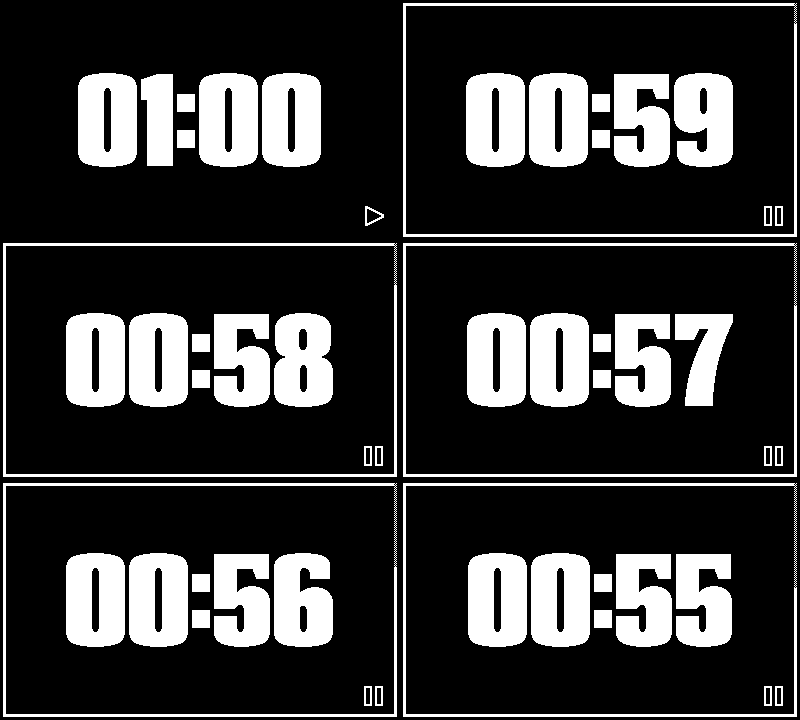
- Timer: a countdown from 1 to 60 minutes, adjustable with the crank or buttons.
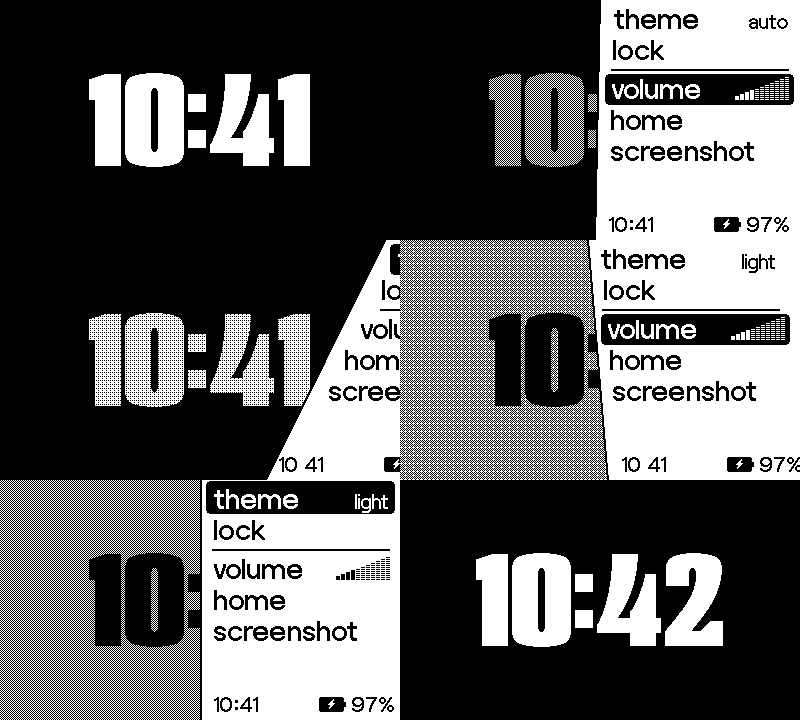
Choose Light, Dark, or Auto theme. Auto switches from light to dark at noon.
Free to download. Yours to support.
Download the complete app for free, or contribute if you’d like to support Play Clock and my other Playdate apps. The suggested contribution is $3 USD. Every download includes the same features.
How reminders work
While Play Clock is active, alarms and finished timers display an alert and play a sound.
If a deadline passes while your Playdate is asleep or you are away from the app, Play Clock shows an overdue reminder when you return. It does not wake a sleeping Playdate or provide system-wide background alerts.
Running timers, a running stopwatch, and enabled alarms prevent automatic sleep while Play Clock is active, which can increase battery use.
Flashing-screen notice: ringing alarm and timer screens repeatedly alternate light and dark colors.
AI Disclosure
🤖 I used CodeX as AI assistance for coding.
Made by Tun Lin Phyo.
Download
Click download now to get access to the following files:
Leave a comment
Log in with itch.io to leave a comment.